
Note: Integrations are only accessible to Admin users on the Enterprise, Corporate, or Campus Complete plans.
Navigate to Workflows:
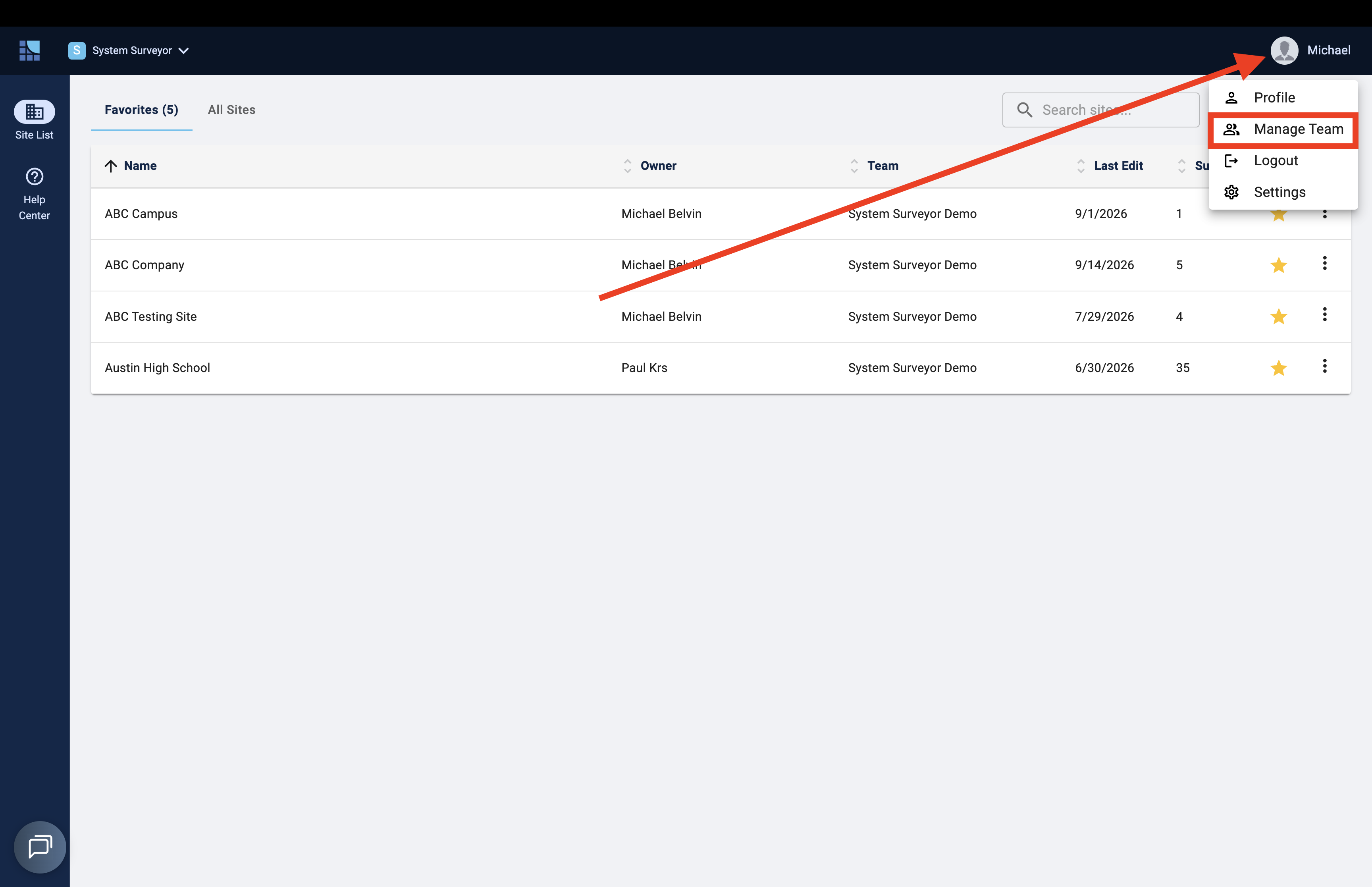
- Click your User Avatar in the upper right corner of the Site List
- Select Manage Teams
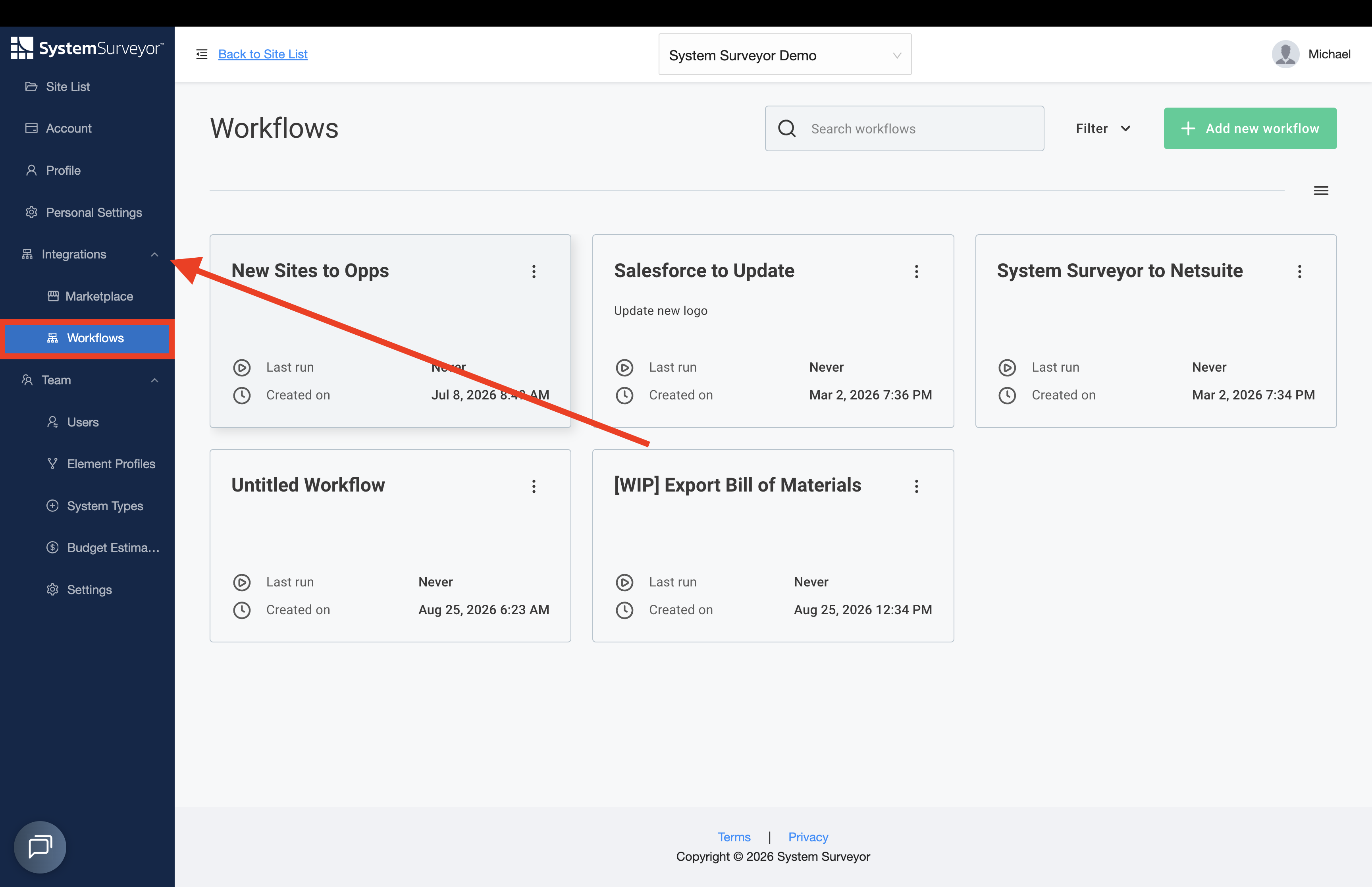
- Select Integrations
- Click Workflows
Begin a new Workflow by selecting Add New Workflow: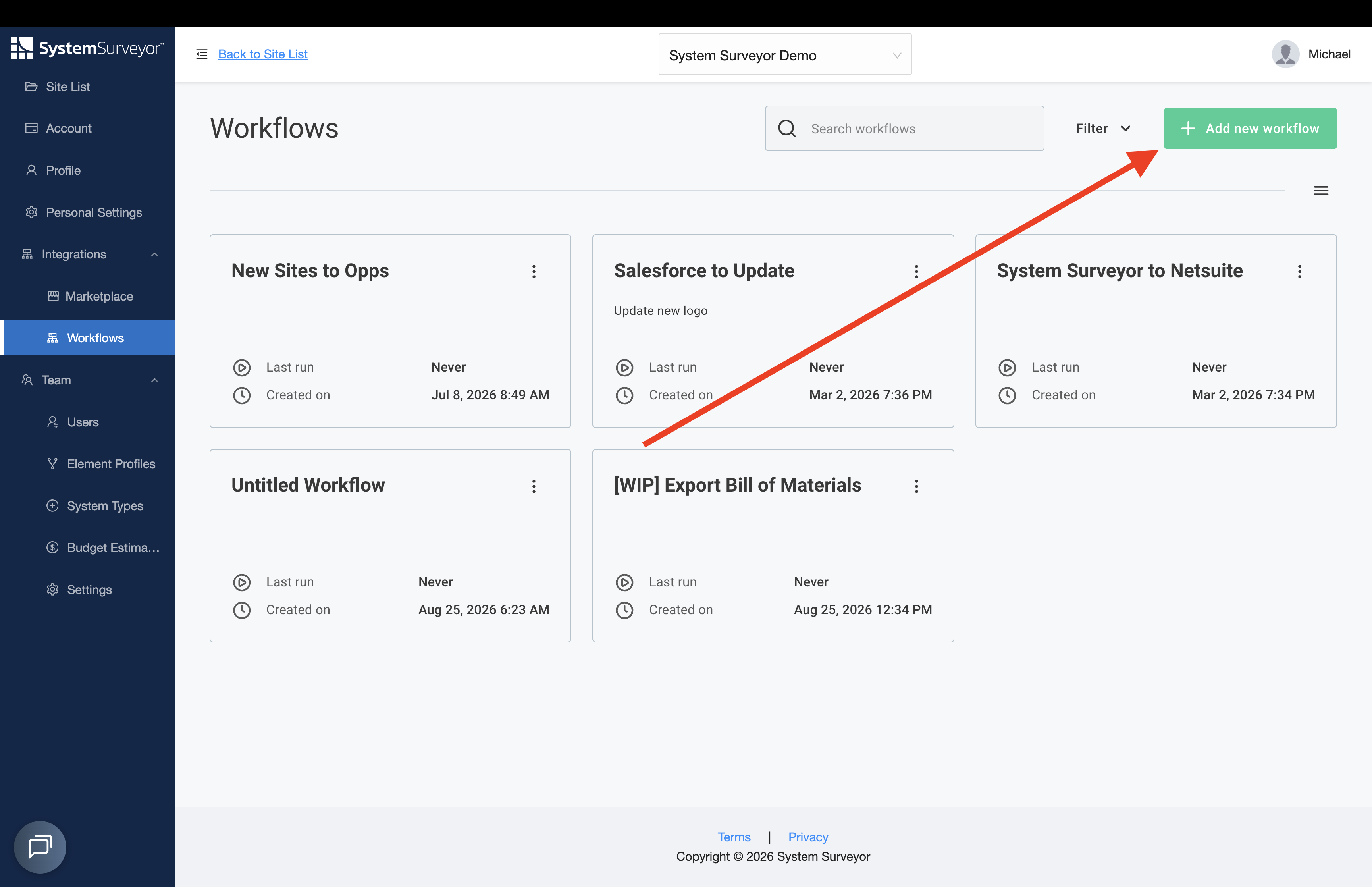
-
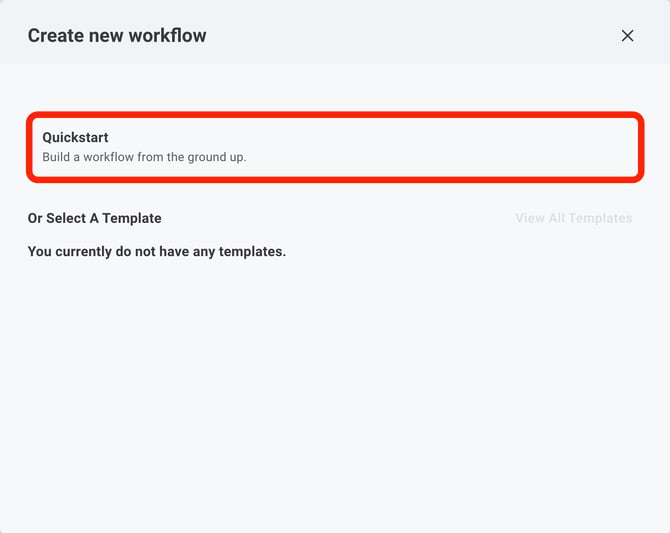
Select Quickstart:
-
Name your Workflow and select your trigger:
- App: Start with an existing application from the available list
- Universal Webhook: The Universal Webhook trigger allows you to invoke a flow by making an HTTP request to the trigger's URL
- Schedule: Scheduled triggers allow you to create a regular schedule to dictate how often your workflow should run
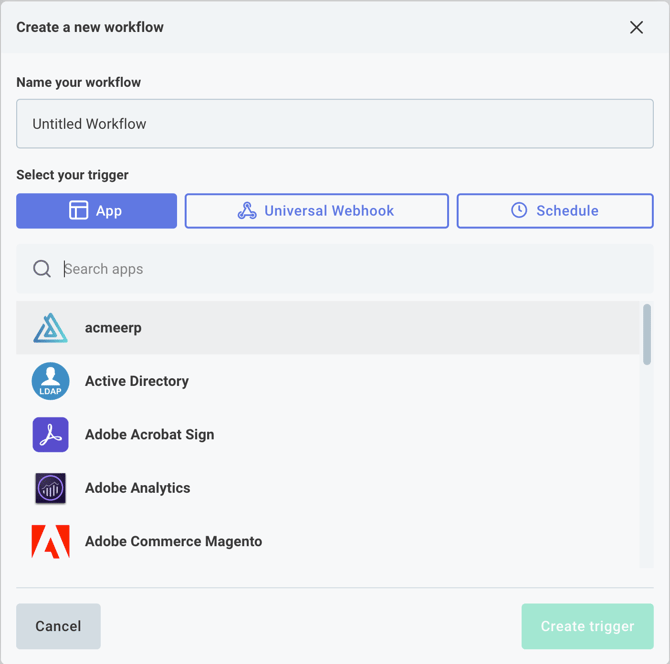
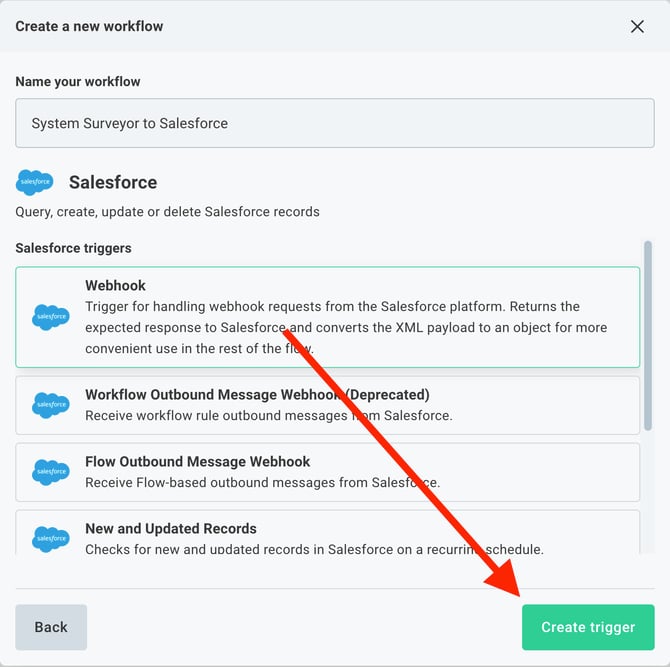
- Click Create Trigger to begin building your Workflow
Note: Check out System Surveyor's Workflow Builder Documentation for resources on building your integration workflows.