
Tip: Check out our Layout Report Guide for steps on creating a new Layout Report.
To add a Legend to the Layout Report:
-
Click the
 button in the upper left to open the Layout Settings: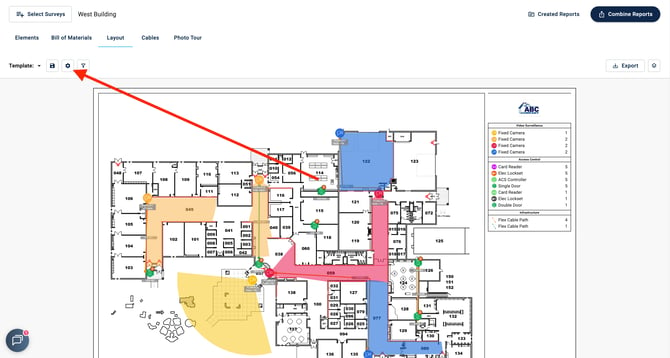
- Toggle on the Title Block & Legend option
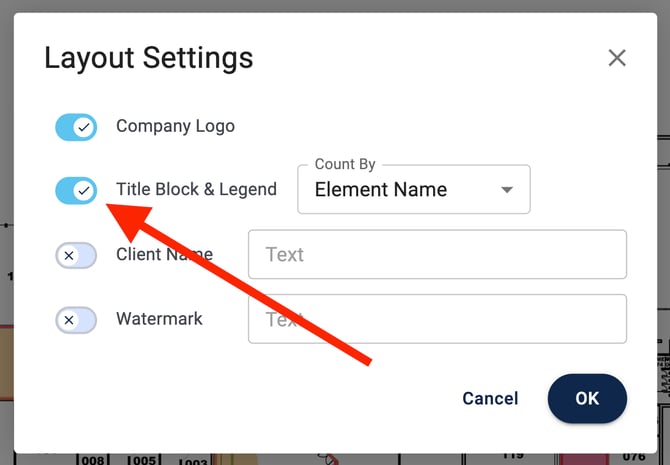
- You can choose to have the Legend count by Element Name, Installation Status, Model, or Descriptive Label:
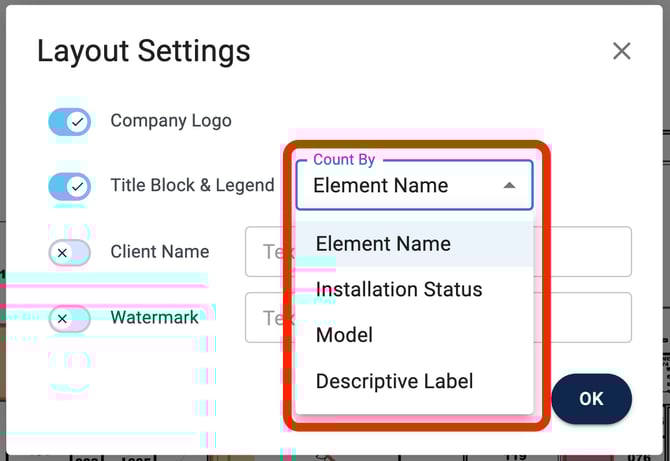
- You can choose to have the Legend count by Element Name, Installation Status, Model, or Descriptive Label:
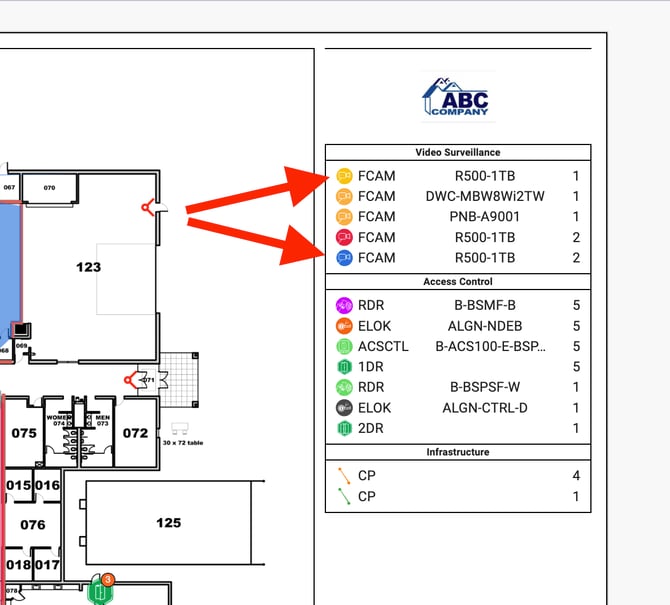
- With the Legend added to the survey, it will display in the upper right corner:
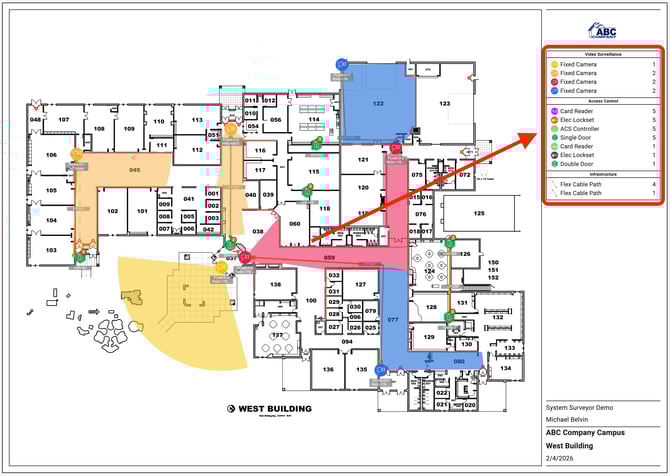
- The Legend will also sort Element icons by color and will reflect the colors you choose for your survey:
Note: Users will need to be on the Scale plan or above to access the Legend. Check out our Plans & Pricing Page for more information.