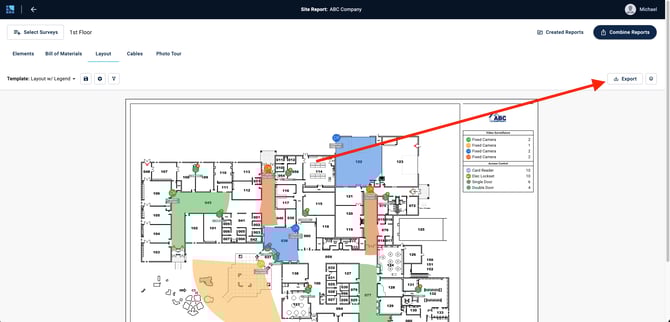
Exporting Individual Reports:
- Individual reports can be downloaded via the "Export" button in the upper right corner
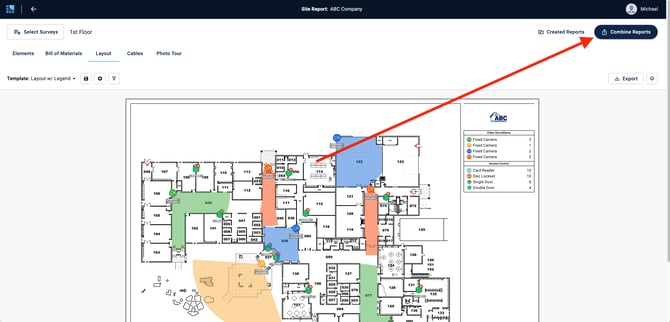
Exporting Combined Reports:
- Click the "Combine Reports" button to combine multiple reports into one document
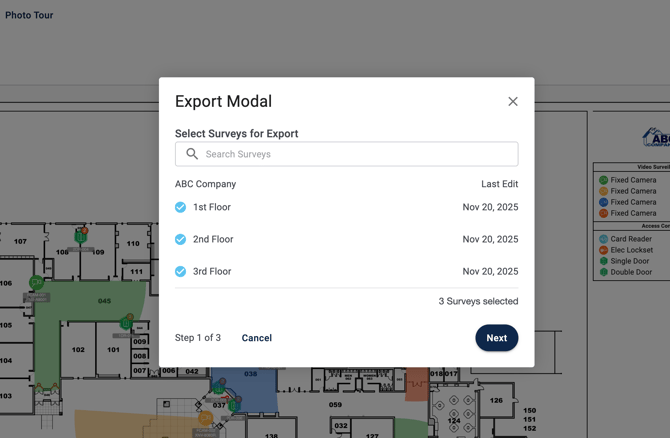
- Select which surveys to include in the Combined Report:
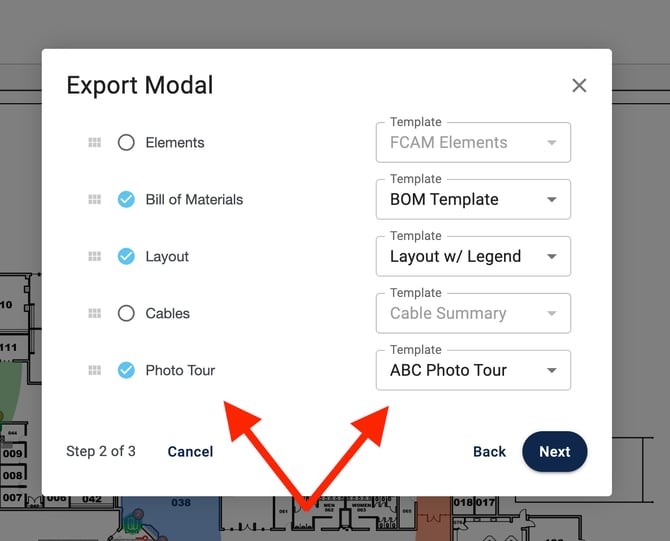
- Select which report types to include in the Combined Report and which Templates to apply to them :
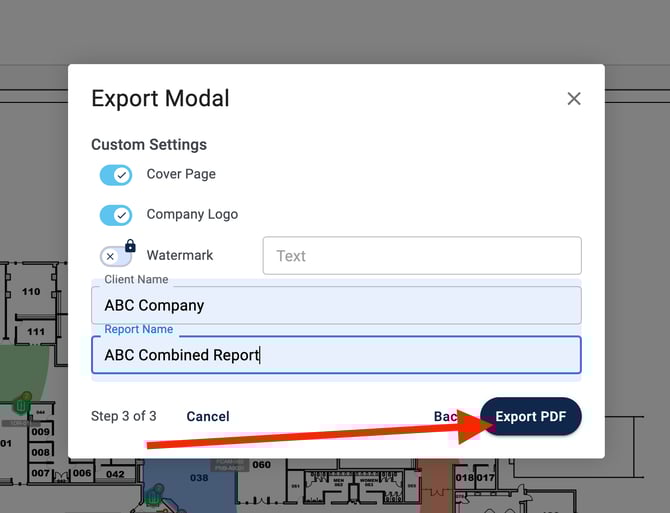
- Add a cover page, logo, and your report details. Then, click "Export PDF":
- Note: The custom watermark option is available on the Enterprise plan only
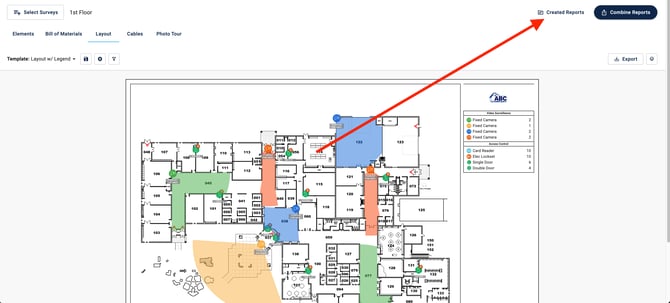
- Navigate to the "Created Reports" section to download your new report: